

App Update Available!
A new update of the Travel in Time app is now live for both Android and iOS.
With this update, 10 new photographs have been unlocked. These images can now be brought to life using the free app, revealing hidden stories through video, augmented reality and virtual reality.
For the best possible experience, we recommend removing the app and installing it again from the App Store or Google Play. This ensures that all new content, improvements and fixes are properly activated.
An issue affecting the Watch VR button on some newer iPhone models has also been resolved in this update.
Download or reinstall the app for free and continue your travel in time.
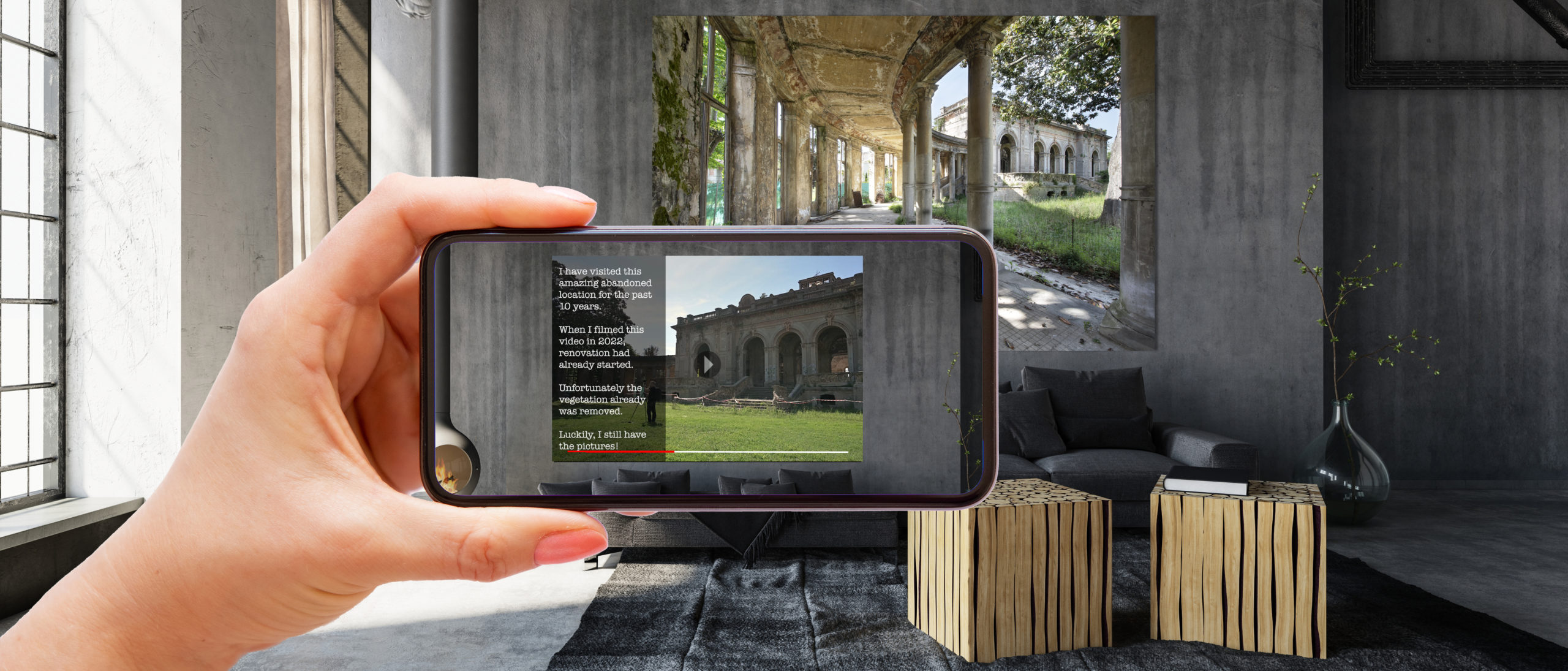
I want to offer you a peek through the windows, to travel in time with me and experience the places I have visited as if you are really there. To make this possible, I have created a free app. Using the app, you can scan the photos which will bring them to life. But it doesn’t stop there! Press the button and put your phone inside the VR Goggles provided, and you will be transported to another reality.
Not all photos have (360 degree) videos right now. In time, more and more videos will become unlocked.
Below is the list of the photos (and pages of the book) that are unlocked at this moment, or will become unlocked very soon:
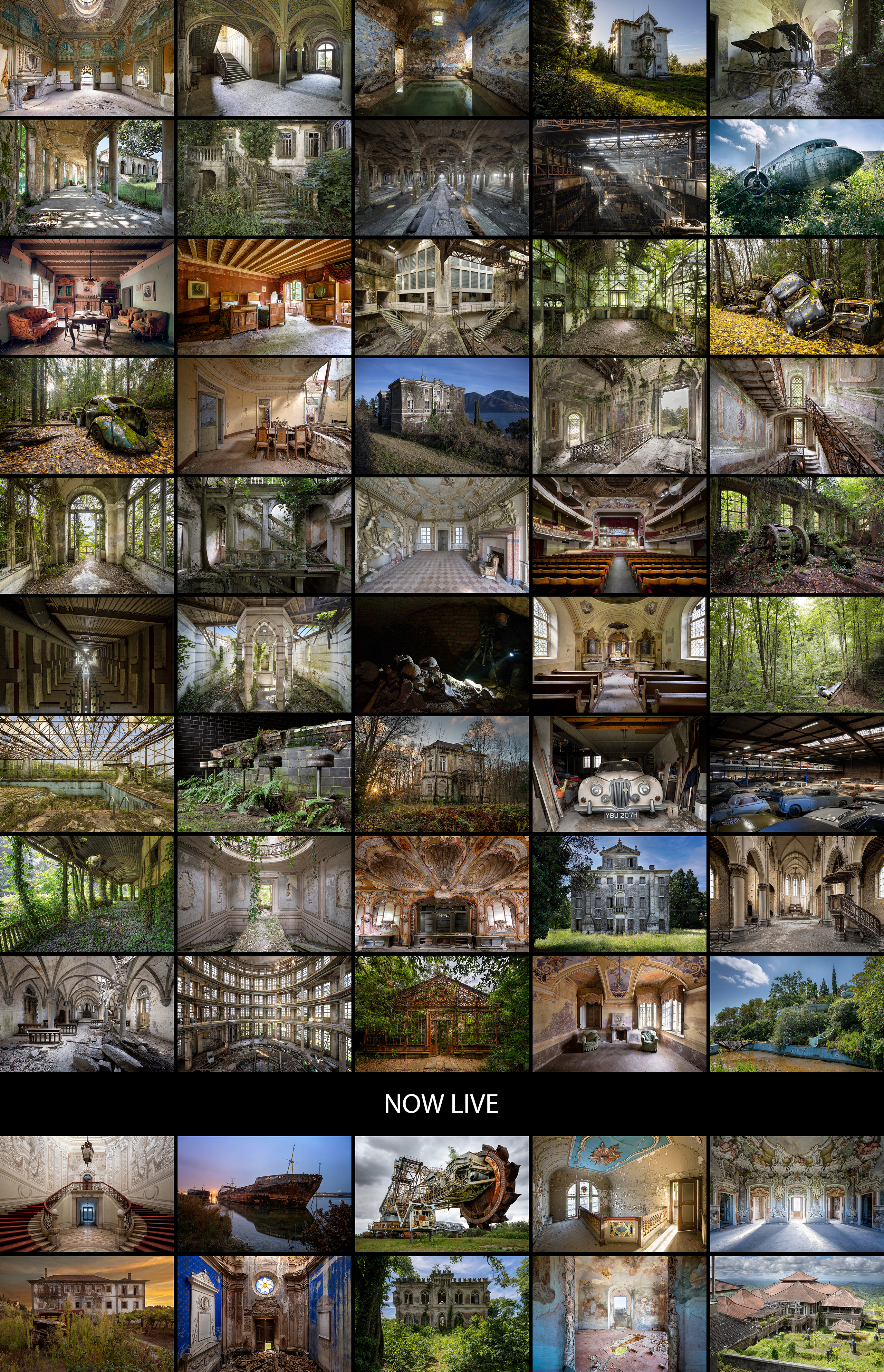
Only Artwork:
Echoes of Angels
Porto Vecchio
Blue Heaven
Book Touched by Time:
Page 109 House of Treasures
Book Palmen Barnfind Collection:
Daimler 250 V8 1967 (+ VR)
Palmen warehouse overview (+ VR)
Book Travel in Time:
Page 005 Majestic Forest
Page 007 La Donna Formosa
Page 017 Ancient Spa (+ VR)
Page 019 Rays of Grace
Page 021 One Last Ride
Page 023 Ancient Passage (+ VR)
Page 027 Tucked in Green (+ VR)
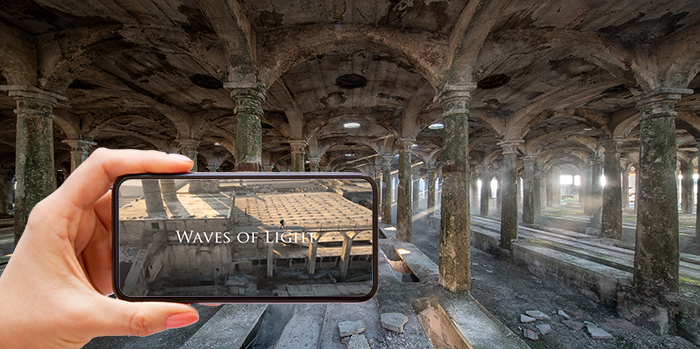
Page 032 Waves of Light
Page 035 A Carpet of Leaves
Page 041 Industrial Light (+ VR)
Page 045 Dusty
Page 048 Surrounded by Memories (+ VR)
Page 049 Awakening (+ VR)
Page 051 High and Dry
Page 053 Weeping Garden
Page 055 Green Light (+ VR)
Page 063 Leaf it There (+ VR)
Page 064 Driven by Nature (+ VR)
Page 069 Left Overs (+ VR)
Page 071 Shell I Leave
Page 072 La Bellezza del Lago (+ VR)
Page 073 La Bellezza del Decadimento (+ VR)
Page 074 Ups and Downs (+ VR)
Page 075 Beauty by the Lake (+ VR)
Page 079 Ancient Green
Page 081 Old ‘n Grey
Page 091 Living the Dream
Page 092 Wings of Faith (+ VR)
Page 102 Final Curtain Call (+ VR)
Page 109 The Power of Nature
Page 119 Flared Beauty (+ VR)
Page 125 Into the Distance (+ VR)
Page 127 Nature’s Sanctuary (+ VR)
Page 135 Stinking Rich
Page 141 Seeing is Believing
Page 145 Mayday Mayday
Page 147 High Spirit (+ VR)
Page 155 Secret Garden (+ VR)
Page 159 Once Home
Page 169 Faded Gloryne (+ VR)
Page 171 Jungle Bar
Page 172 Wild Water Park
NOW LIVE:
Page 011 Stop and Stair
Page 036 Cobolt Crumble
Page 061 Selemat Datang
Page 101 Golden Thoughts
Page 113 Troubled Waters
Page 121 King of Green
Page 131 Bagger 258
iOS (iPhone/iPad) and Android
You can find the new app that brings the photos to life in the app store by searching ‘daanoe’ or with the direct links below. If you can’t find or install the app, please scroll to the bottom of this page.


If you can't find the app in the Google play store
Always check first whether your phone is updated to the latest software version. If you still cannot find the app in the Play Store, it is likely that you are using an older Android device. Android applies minimum system requirements for apps published in the Play Store. According to Google, this is done to ensure security, privacy and overall performance.
However, there is a solution. You can install the app manually by using the button below.
During installation, Android may display security warnings when installing apps outside the Play Store. This is standard behaviour, as the Play Store is not involved in verifying the app. You can safely proceed. The Travel in Time app is secure and safe to install.
If you experience any issues or have questions, please send an email including your phone model and Android version to info@daanoe.com.

About VR playback
The Travel in Time app uses YouTube exclusively for playing VR and 360 video content. This allows us to deliver very high resolution videos while keeping the app lightweight and accessible.
Just before the release of the app, YouTube made changes to its iOS app that removed the visible VR headset button for 360 videos. As a result, VR headset mode is currently not available on iOS devices when viewing VR content through YouTube. On Android devices, VR headset mode is still fully supported.
Even without a VR headset, all 360 videos can be explored by moving your phone, allowing you to look around freely inside the locations.
Playback tips
If a VR or 360 video does not start in full screen, rotate your device to landscape mode and then back again.
Most VR videos are recorded in very high resolution (up to 8K). If the video does not automatically play in the highest quality, you can manually adjust this in YouTube:
– Open Settings
– Go to Preferences for video quality
– Select Highest quality
Or while playing VR or 360 content:
– Touch the screen
– Tap Settings in the upper right corner
– Choose Quality
– Select Advanced
– Choose the highest available resolution (for example 2160s)
The full experience
The core of the Travel in Time experience lies in the combination of photography, augmented reality and interactive 360 imagery. This delivers the intended wow effect on all devices.
For the complete immersive experience using professional VR headsets, you are always welcome at the Daanoe Experience Centre in Leidschendam.